Alexander Lam
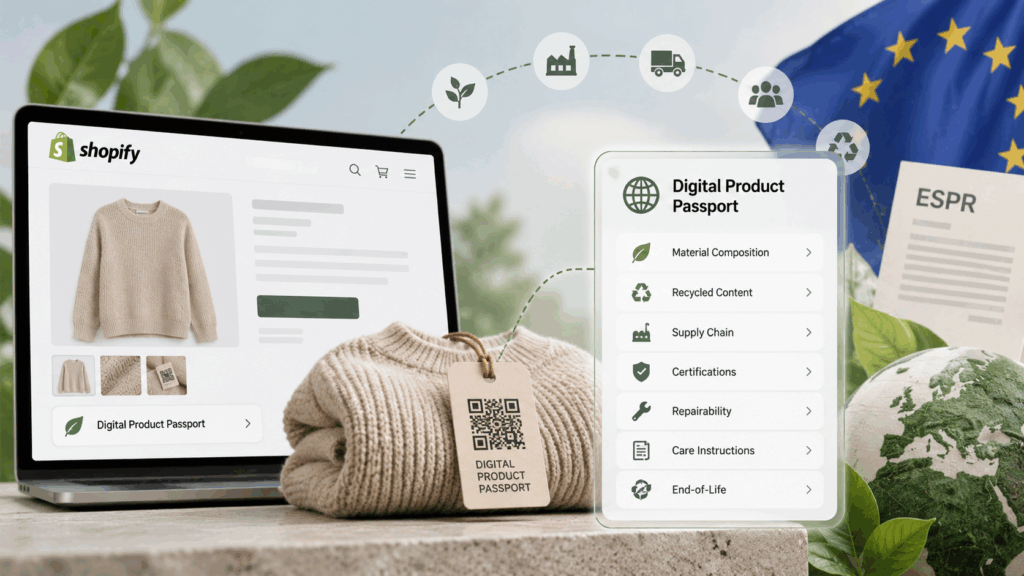
Learn what Digital Product Passports for Shopify mean for merchants, including EU DPP requirements, the 2027 battery passport deadline, product data, compliance, QR codes, Shopify DPP apps, and how to prepare your store for upcoming rules.
Key Takeaways
→ There is no universal 2027 DPP deadline. Digital Product Passport requirements are rolling out by product category, with specific battery passports required from February 18, 2027.
→ DPP readiness starts with product data, not QR codes. Shopify merchants need to identify applicable products and organize reliable material, supplier, certification, sustainability, and traceability data.
→ Implementation goes beyond choosing a DPP app. Merchants need a system for keeping product data accurate and accessible while considering how customer-facing DPP apps, widgets, and scripts affect Shopify storefront performance.
Disclaimer: This article is for general informational purposes only and does not constitute legal or regulatory advice. Digital Product Passport requirements may vary by product category, market, and business role and may change over time. Consult a qualified legal or compliance professional for guidance specific to your products and business.
What is a Digital Product Passport?
A Digital Product Passport (DPP) is a digital record that carries key information about a product, from what it is made of to how it can be repaired, reused, or recycled.
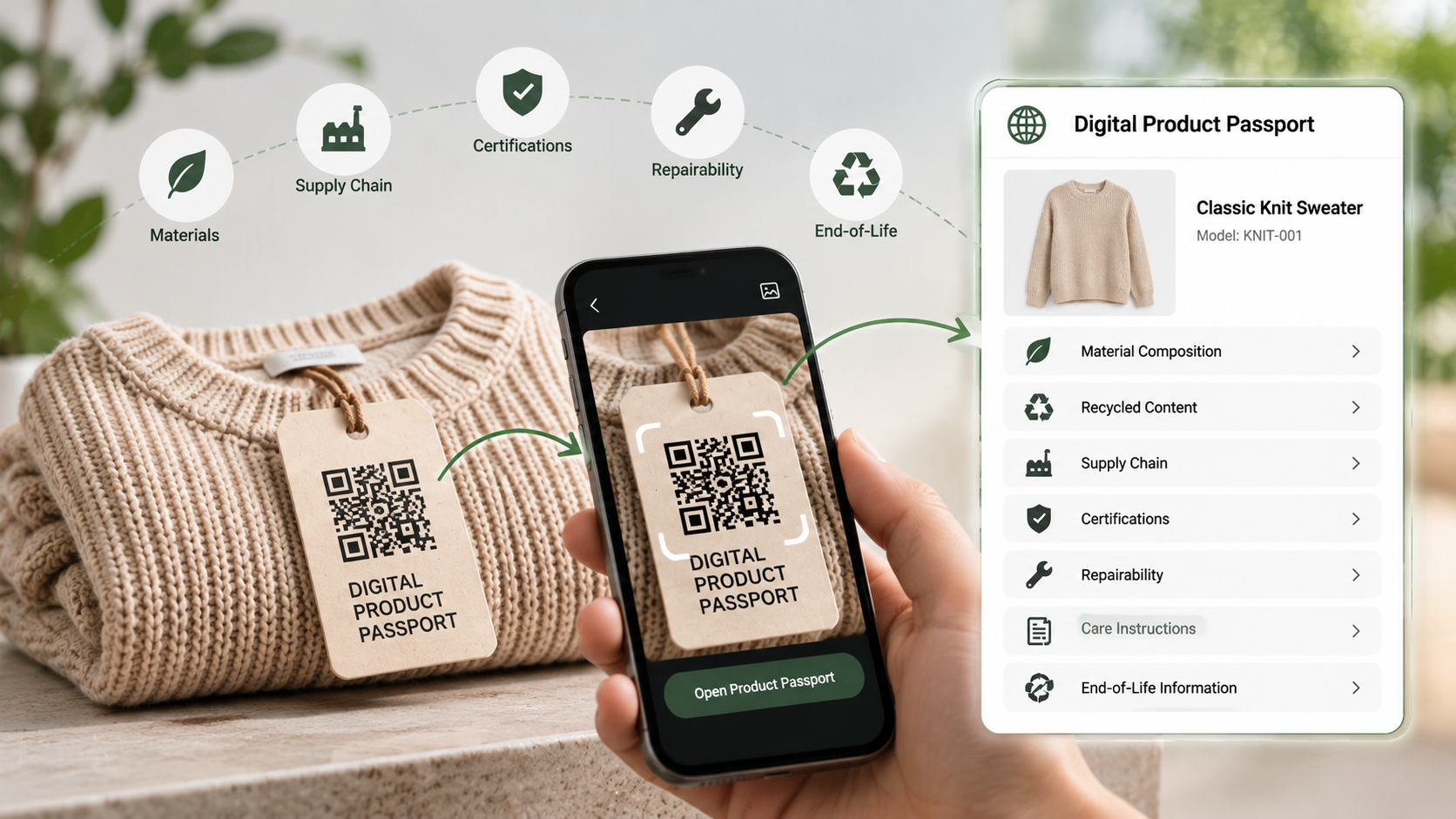
For Shopify merchants, think of it as product information that goes beyond a normal listing. Your Shopify product page tells customers what they are buying. A DPP can provide deeper data needed by customers, businesses, recyclers, and regulators throughout the product’s life.
Under the EU’s Ecodesign for Sustainable Products Regulation (ESPR), a DPP can apply at the model, batch, or individual item level, depending on the rules set for that product group.
What information does a Digital Product Passport contain?
There is no single checklist for every DPP. The exact data will be set through product-specific delegated acts.
Depending on the product, that could include its unique identifier, material composition and recycled content, supply chain information, certifications, durability, repairability, care instructions, and end-of-life information.
For a Shopify apparel brand, for example, a product passport could eventually include details such as fiber composition, care information, and relevant material or sustainability data. Electronics or other regulated products may need a different set of information.
The key point is that a DPP is structured product data, not another sustainability claim on a product page.
How does a Digital Product Passport work?
The product data is collected and organized into a passport connected to a persistent unique product identifier. A data carrier on the product, packaging, or accompanying documentation then provides access to it.
A QR code may serve as that data carrier, although the exact method will depend on the rules for the product group.
Access can also differ by user. A customer may see information relevant to buying or caring for the product, while supply chain partners or regulators may have access to other data.
The information must also stay accurate, complete, and up to date. So the real work is not generating the passport. It’s keeping the product data behind it reliable.
Is a DPP the same as a QR code?
No. The QR code is the access point. The DPP is the product data behind it.
Think of the code as the door, not the room.
Standards such as GS1 Digital Link can connect product identifiers to online information through a web address. This can allow the information behind a code to change without changing the code itself.
That distinction matters for Shopify merchants. Creating a QR code is easy. Building reliable product data that can stay accessible and accurate throughout the product’s life is the bigger job.
Why is the EU introducing Digital Product Passports?
The EU wants products sold in its market to last longer, use resources more efficiently, and be easier to repair, reuse, and recycle. ESPR creates the framework for those requirements, while Digital Product Passports make relevant product information easier to access and verify.
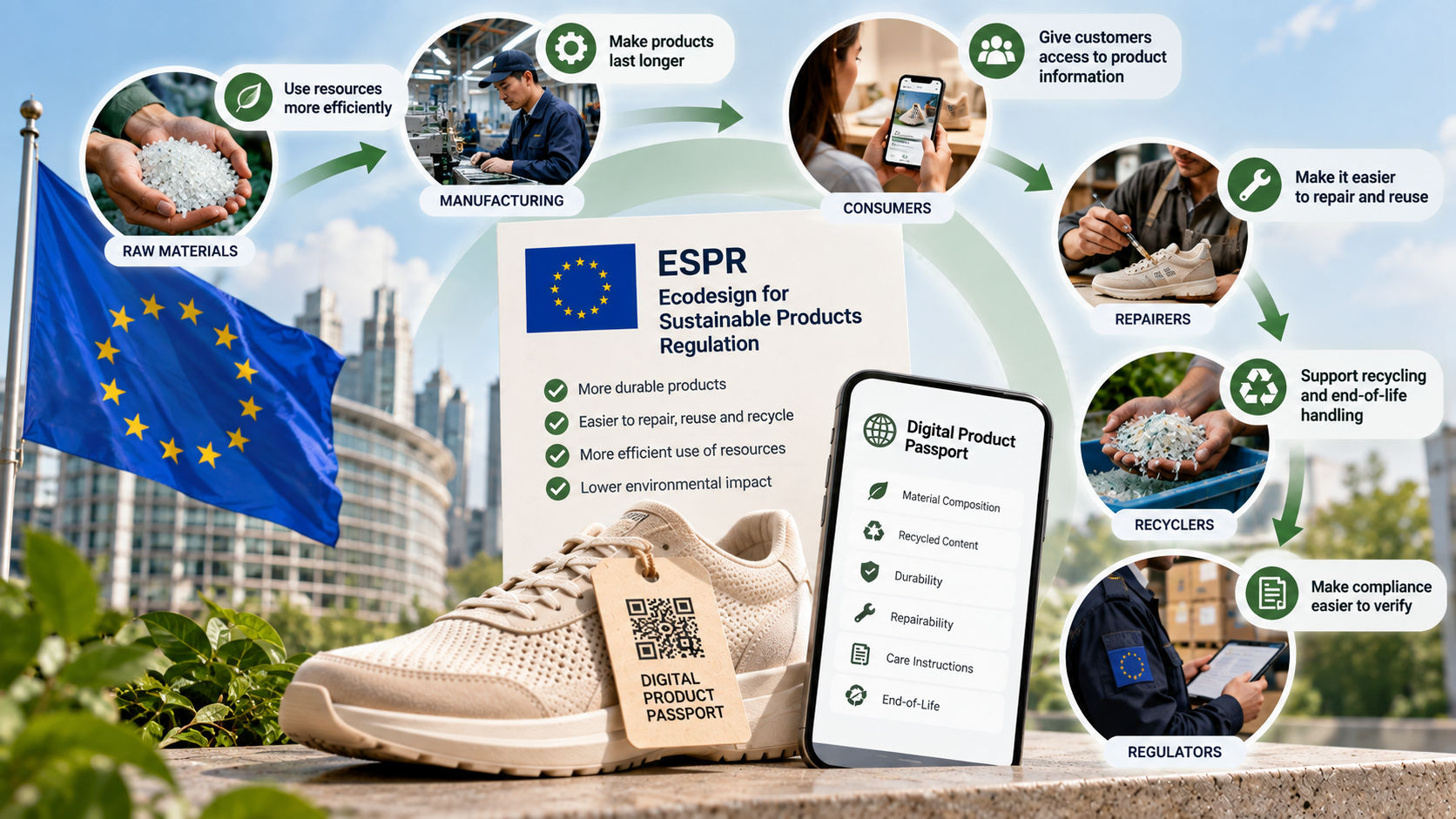
The DPP isn’t a standalone regulation. ESPR allows the EU to set ecodesign requirements for almost all categories of physical goods placed on the EU market.
Depending on the product, those requirements can cover areas such as durability, repairability, recycled content, recyclability, and environmental footprint.
The DPP handles the information side. Under Article 9 of ESPR, it is designed to give people across the value chain access to relevant product information, make compliance easier for authorities to verify, and improve product traceability.
That information can serve different purposes throughout a product’s life. Customers could access care or durability information, repairers could get information needed for repairs, recyclers could find relevant material or end-of-life data, and regulators could access information needed to check compliance.
For Shopify merchants, there is one important catch: these requirements won’t arrive for every product at once. Product-specific rules will determine which products require a DPP, what information it must contain, and how it must work.
Do Shopify merchants need a Digital Product Passport?
It depends on what you sell, where you sell it, and how your products reach the EU market.
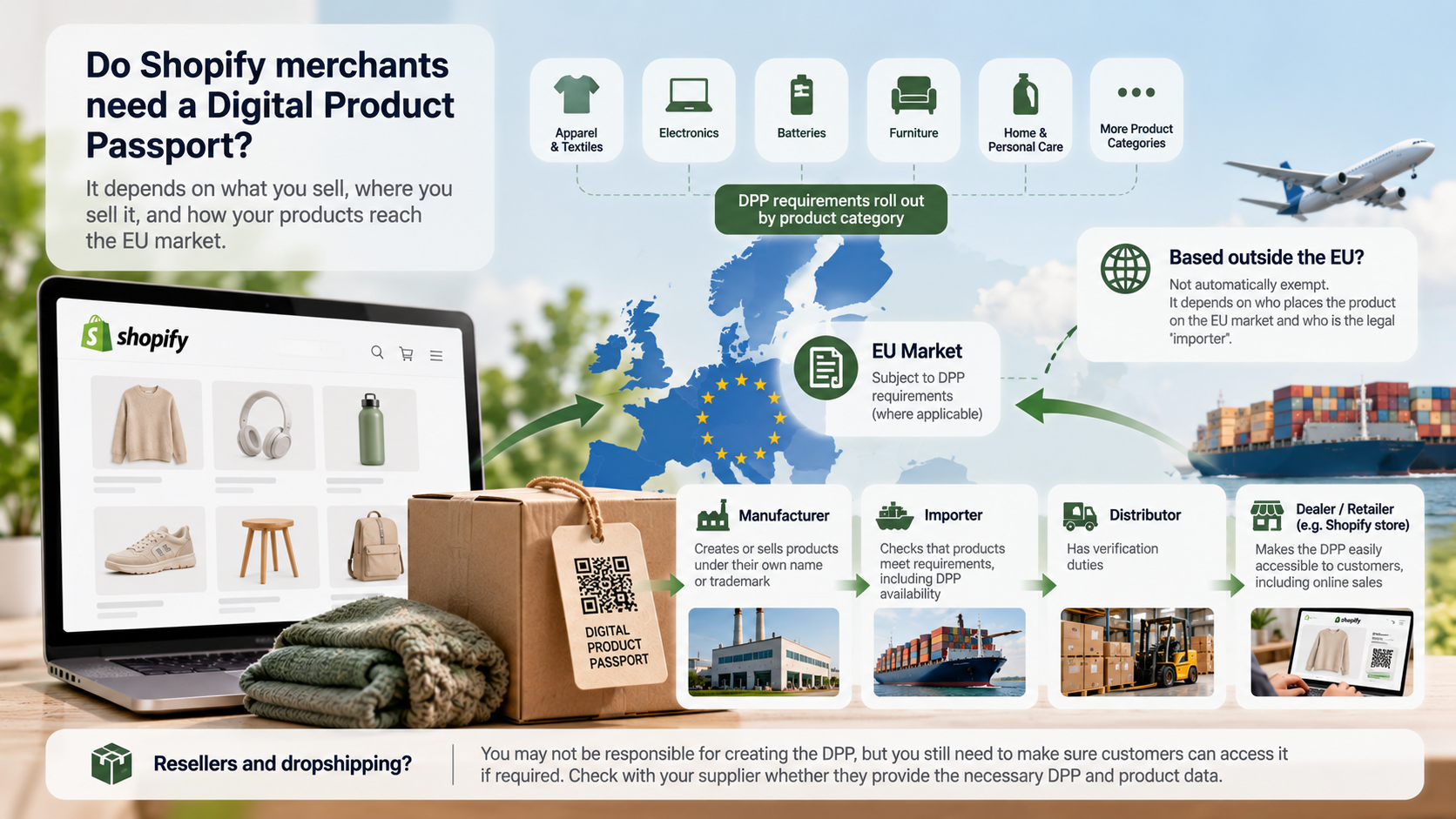
Not every Shopify store needs a Digital Product Passport today. Requirements are being introduced by product category, so the first step is figuring out whether your products are covered and what role your business plays in selling them.
Who is responsible for DPP compliance?
Responsibility can sit with different businesses across the supply chain.
Manufacturers have significant obligations for products they make or sell under their own name or trademark. Importers must check that covered products meet the applicable requirements, including whether a DPP is available when required. Distributors also have verification duties, while dealers must make the DPP easily accessible to customers, including for online sales.
For a Shopify merchant, your legal role may therefore matter more than the label you use for your business. A brand selling its own manufactured products has different responsibilities from a retailer sourcing finished products from another company.
Does DPP apply to businesses outside the EU?
Being based outside the EU does not automatically exempt products sold into the EU market.
But simply shipping an order from the US, UK, Canada, Australia, or another country does not automatically make the Shopify merchant the legal “importer.” Under EU rules, an importer is an economic operator established in the EU that places a product from a third country on the market.
For cross-border Shopify stores, the important question is who places the product on the EU market and who carries each compliance responsibility.
Which products are expected to be affected?
DPP requirements are rolling out by product category rather than through one universal deadline.
Batteries are already on a defined path. Other product groups, including categories relevant to many Shopify merchants, will follow as product-specific requirements are adopted.
That makes your product category far more useful than a generic “DPP deadline” when determining whether you need to act.
What about resellers and dropshipping stores?
Reselling or dropshipping doesn’t automatically make you responsible for creating the DPP. But if a covered product requires one, you still need to make sure customers can access it where required.
That makes your supplier part of your compliance process. Before selling affected products into the EU, find out whether the supplier provides the required DPP and how you’ll receive the product identifier, data carrier, or link needed for your store.
For dropshippers especially, this exposes a practical weakness: you may be selling a product without controlling the data behind it. If your supplier cannot provide the required product information, switching on a Shopify DPP app won’t magically fill the gap.
When will Digital Product Passports become mandatory?
There is no single DPP deadline for every Shopify store.
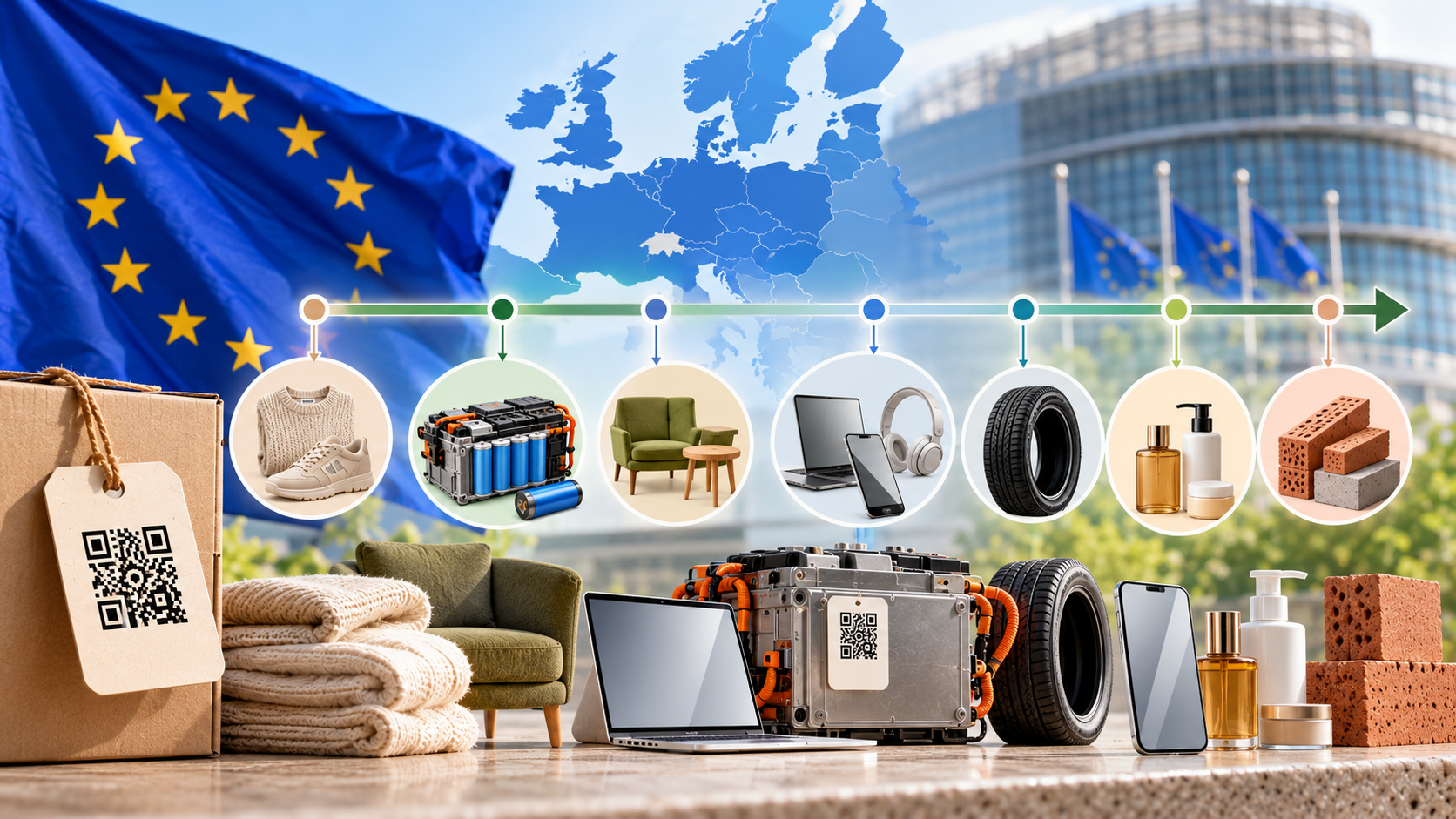
Requirements are being introduced by product category, which means the date that matters to your business depends on what you sell.
The clearest early example is batteries. Under the EU Batteries Regulation, from February 18, 2027, a battery passport will be required for electric vehicle batteries, light means of transport batteries, and industrial batteries with a capacity above 2 kWh.
That is where some of the attention around a “2027 DPP deadline” comes from. It does not mean every product sold through Shopify needs a passport in 2027.
Other product groups will follow their own schedules as requirements are adopted. The European Commission says DPP requirements will be introduced progressively and advises economic operators to follow the requirements for their specific sectors.
For Shopify merchants, the practical approach is simple: identify your product categories and monitor the rules that apply to them rather than working toward an arbitrary universal deadline.
What product data will Shopify stores need for DPP compliance?
The exact data depends on the product category, but the practical question for Shopify merchants is simple: what information do you already have, and what’s missing?
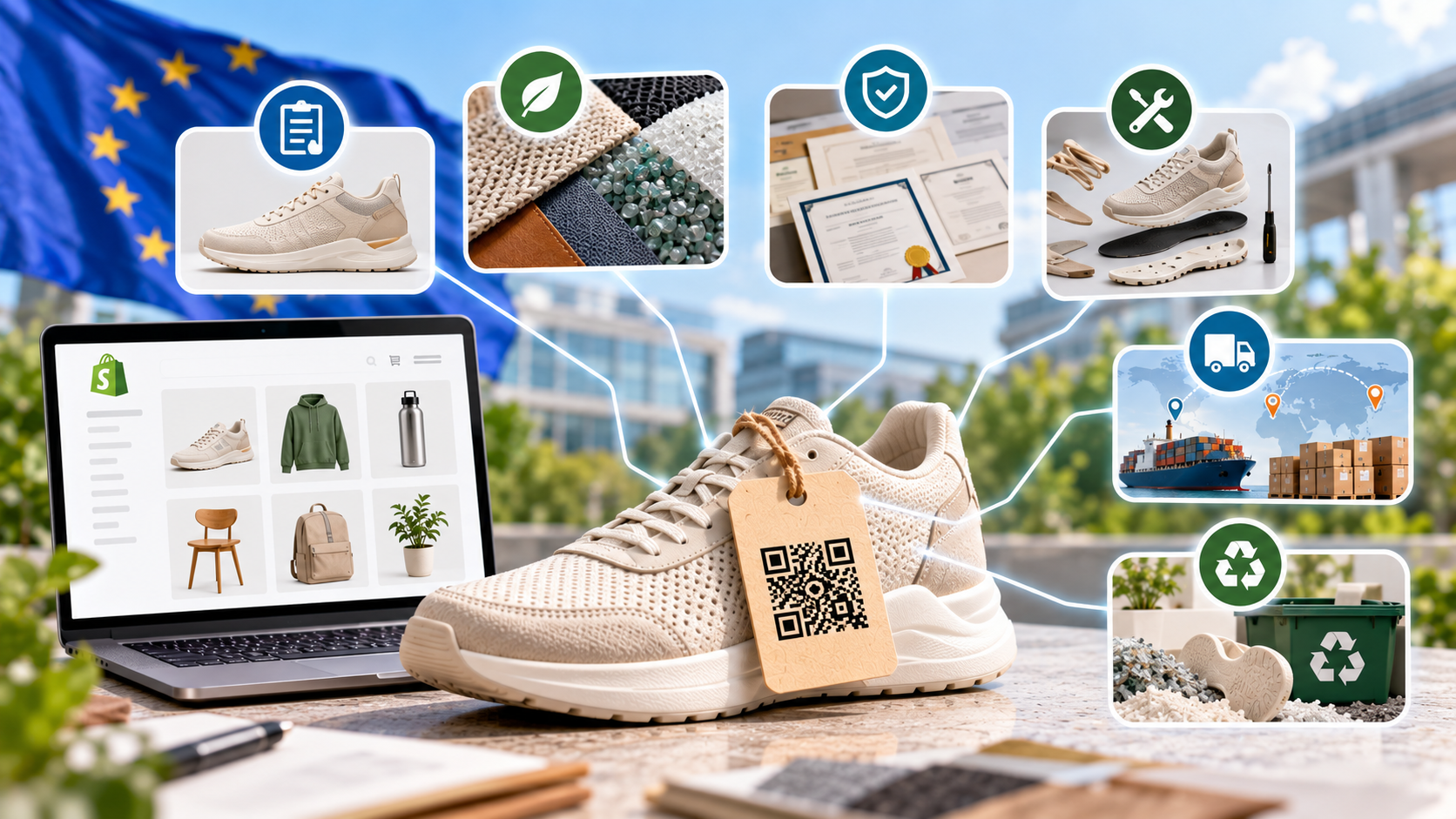
What product data should you prepare?
Depending on the requirements for your product, DPP data may include:
- Product identity and manufacturer information
- Material composition and recycled content
- Durability, care, repair, and spare parts information
- Certifications and compliance documentation
- Supply chain and traceability data
- Reuse, recycling, and end-of-life information
Don’t build your data structure around a generic DPP checklist. Requirements vary by product, so collect what applies to your category.
What does Shopify already store?
Shopify already covers some of the basics, including products, variants, SKUs, vendors, and descriptions. You can also use metafields and metaobjects to store additional structured product data.
The bigger gaps are likely outside Shopify. Material specifications may come from suppliers, certifications from PDFs, and supply chain data from spreadsheets, an ERP, or a PIM.
Where DPP implementation gets harder
Different variants may require different materials, certifications, care instructions, or other DPP data even when they currently sit under the same Shopify listing.
Suppliers add another complication. One may provide detailed material composition and documentation, while another gives you incomplete or inconsistent information.
A DPP app can organize the information you receive. It can’t make unreliable supplier data reliable.
The data also needs to remain current as products, materials, suppliers, or certifications change. That becomes harder across hundreds or thousands of products and variants.
Before adding a DPP app, audit your existing data sources. The challenge isn’t just storing DPP data in Shopify. It’s finding reliable data to put there and keeping it accurate.
Compare how fast your store is to a huge sample of other stores. Get benchmarked and find out where you can improve your speed to make more sales. How fast is your Shopify store?
How to prepare your Shopify store for Digital Product Passports
You don’t need to build a DPP system before you know whether your products require one. Preparation starts with getting your product data and responsibilities in order.
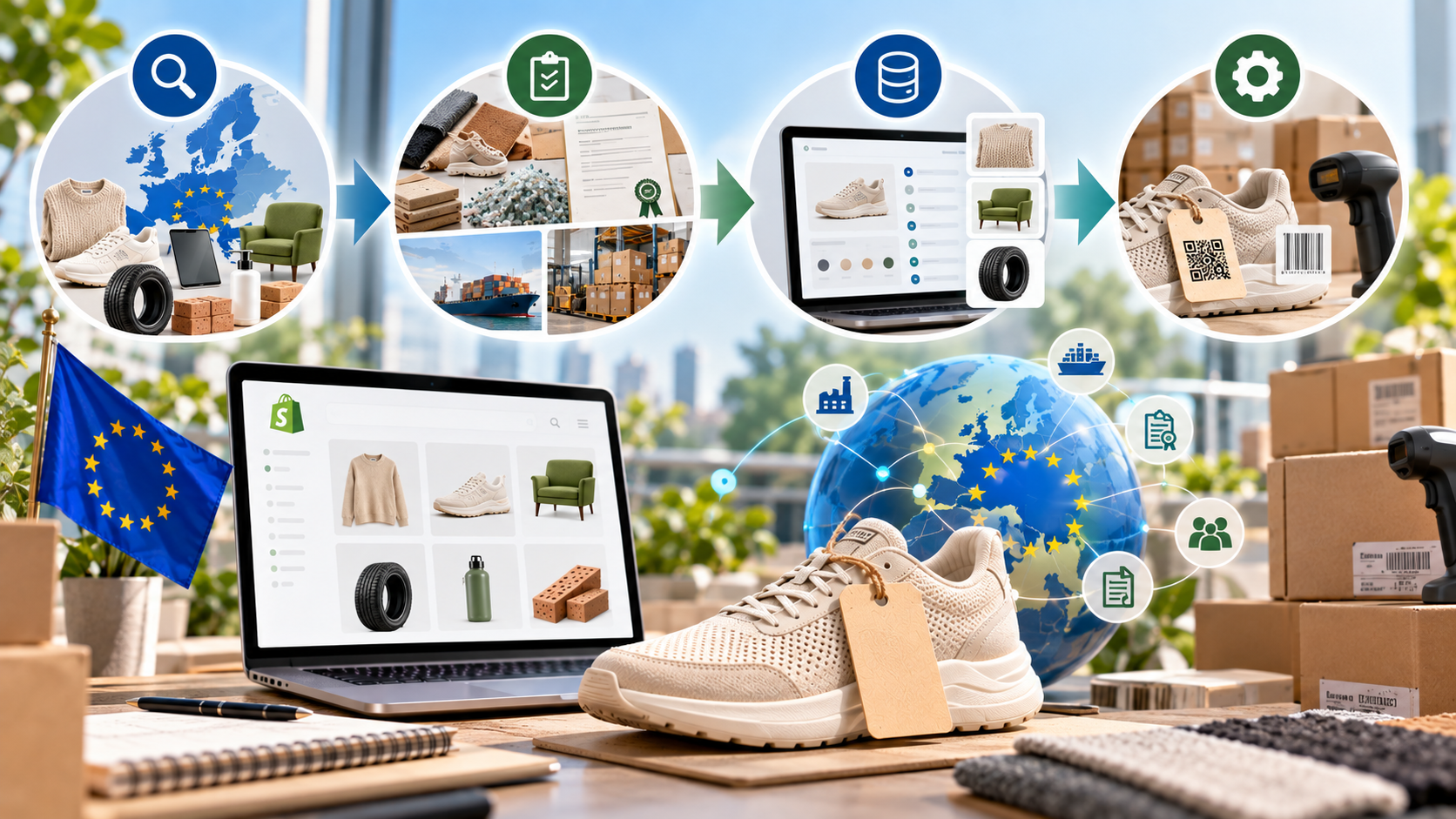
Step 1: Check which products are in scope
Identify the product categories you sell into the EU and track the rules and timelines that apply to them.
Don’t work from a generic “2027 DPP deadline.” Requirements are being introduced by product category.
Step 2: Map your missing data
Turn the gaps from your audit into a source map. Identify which information comes from suppliers, manufacturers, internal systems, certification records, or platforms such as ERP, PIM, and PLM.
Flag anything that still needs to be collected or verified.
Step 3: Decide how you’ll structure the data
Separate product-level and variant-level information where necessary, and decide where each field should live.
Shopify metafields can extend product data, while metaobjects are useful for more complex records with multiple fields.
The goal is one reliable source for each piece of information, not five slightly different versions scattered across your systems.
Step 4: Standardize identifiers and ownership
Clean up inconsistent SKUs, GTINs, and other product identifiers before connecting them to a DPP system.
Then decide who collects, verifies, and updates the data. Without clear ownership, even a well-built passport can become outdated.
How to add a Digital Product Passport to Shopify
Once the data is ready, there are three practical routes.
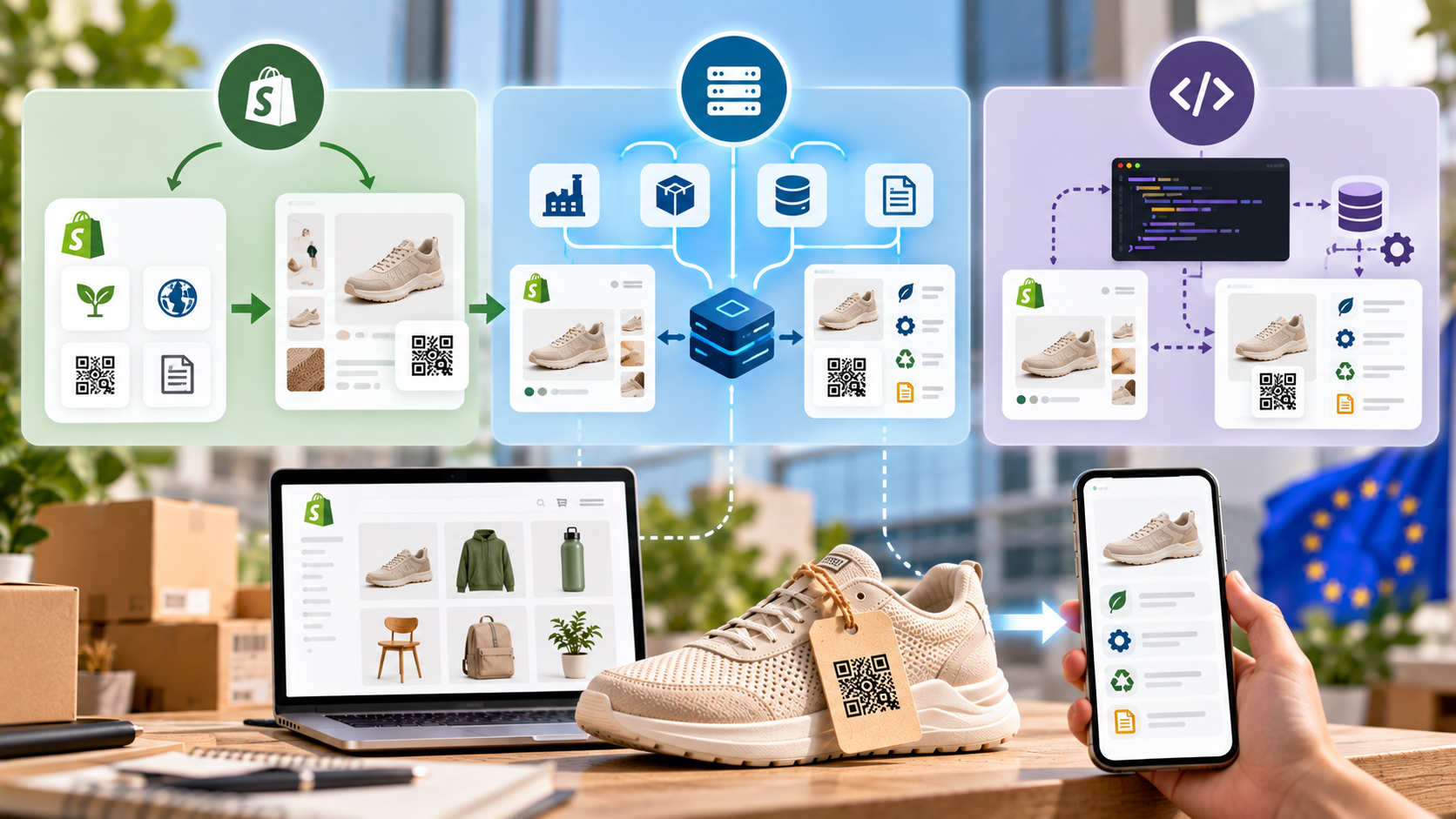
Use a Shopify DPP app
This is likely the simplest option for smaller catalogs. Depending on the app, it may import Shopify products, create passports and data carriers, synchronize product data, and display DPP information on the storefront.
Check those features rather than assuming every DPP app provides them.
Connect Shopify to a dedicated DPP platform
Stores with larger catalogs or more complex supply chains may need a platform that connects Shopify with supplier data and systems such as ERP, PIM, or PLM.
In this setup, Shopify remains the commerce layer rather than becoming the source of every piece of DPP data.
Build a custom system
Custom development gives you more control over unusual data structures, integrations, and workflows, but also means owning the development and maintenance.
For most merchants, it only makes sense when existing apps or platforms can’t handle the required setup.
Whichever route you choose, test it on a small group of products before rolling it across your full catalog. A pilot makes it much easier to catch data and workflow problems while they are still small enough to fix.
How to choose a Digital Product Passport app for Shopify
A good DPP app should do more than generate passports and QR codes. Focus on whether it can work with your product data today and adapt as requirements change.
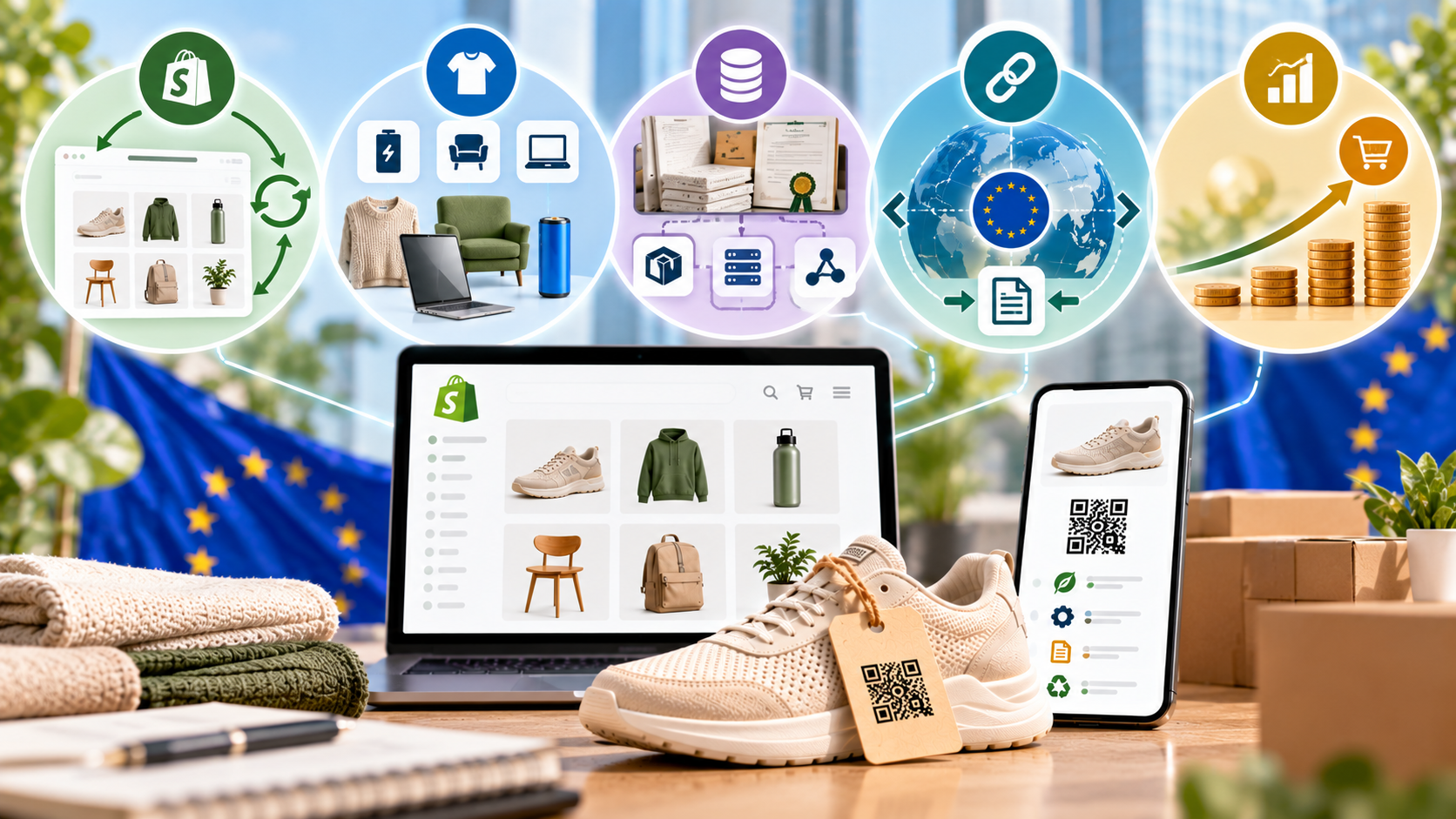
Start with Shopify integration. The app should import products and variants without unnecessary manual entry and, ideally, synchronize changes automatically.
Then check product and regulatory support. Make sure the platform supports your product category and the relevant DPP requirements. Don’t assume a tool built for batteries will work equally well for apparel, furniture, or electronics.
For larger catalogs, look for bulk editing, flexible data fields, and integrations with the systems you already use, such as ERP, PIM, PLM, or supplier platforms. Certification and document management may also matter if evidence sits outside Shopify.
Pay particular attention to interoperability and portability. DPP data is designed to use open, interoperable standards without vendor lock-in, so check whether you can export your data and move it elsewhere if needed.
The EU has also published harmonised DPP standards covering areas such as unique identifiers, data carriers, APIs, data exchange, storage, and system interoperability.
Finally, compare pricing at the catalog size you’re likely to reach, not just the one you have today.
The best DPP app is the one that fits your product category, connects to your existing data, follows the required standards, and doesn’t trap that data inside the platform.
What happens if your Shopify store does not comply?
Once DPP requirements apply to your product, compliance isn’t optional. The exact consequences depend on the product rules and how they are enforced in the relevant EU country.
A product that doesn’t meet applicable requirements can face corrective action, including restrictions or prohibition on sale, withdrawal, or recall. EU Member States must also establish penalties for violations.
For Shopify merchants, that means DPP compliance can become a condition of continuing to sell affected products in the EU, not simply another piece of information to add to the storefront.
The European Commission explains the wider product compliance and market surveillance framework for products sold in the EU.
Beyond compliance: How DPPs could improve the Shopify customer experience
DPPs may be driven by regulation, but the same product data can also be useful to customers.

Instead of relying only on product descriptions and sustainability claims, shoppers can access product-level information such as materials, certifications, care instructions, and other relevant data. Shopify merchants may also be able to make useful DPP information available before purchase rather than treating the passport as something customers only access after delivery.
That information can remain useful long after the initial purchase. Care, repair, recycling, and end-of-life information can stay accessible when the original product page or packaging may no longer be around, particularly for products that are repaired, resold, or passed between owners.
DPPs can also give customers something more concrete than broad claims such as “sustainable.” Product-specific information about materials, recycled content, certifications, or other environmental attributes gives them evidence they can evaluate for themselves.
The same data collected for compliance can therefore give customers a clearer picture of what they’re buying, what went into it, and how to look after it.
Prepare Your Shopify Store for DPPs Without Sacrificing Performance
Don’t panic because you saw “DPP deadline 2027” in a headline. There is no single 2027 deadline covering every Shopify product.
What matters is whether your products are affected, when their requirements take effect, and whether you have the data to meet them.
There is one more thing Shopify merchants should watch: how that implementation affects the storefront.
Simply storing more product data doesn’t make a page slow. But displaying it through third-party DPP widgets, scripts, apps, or other storefront integrations can add work for the browser.
We’ve seen the same pattern play out with other storefront additions. Product review widgets cause the exact same kind of slowdown for the exact same reason: another script competing for load time on a page that already has enough going on.
That’s where Hyperspeed comes in. Hyperspeed is built to optimize Shopify storefront performance, so merchants can keep an eye on speed as new apps and customer-facing features become part of the store.
DPP compliance and storefront performance are separate jobs, but they shouldn’t be managed in isolation. Build the product data foundation first. When it’s time to bring that information to your Shopify store, make sure the customer experience stays fast too.
Compare how fast your store is to a huge sample of other stores. Get benchmarked and find out where you can improve your speed to make more sales. How fast is your Shopify store?
FAQ
What is a Digital Product Passport for Shopify?
A Digital Product Passport (DPP) is a structured digital record linked to a product through an identifier and data carrier such as a QR code. For Shopify merchants, it can hold required product data on material composition, repairability, certifications, traceability, care instructions, and end-of-life handling.
Is there a Digital Product Passport deadline in 2027?
No. There is no universal DPP deadline 2027 for every Shopify store. Requirements are introduced by product category through EU rules. Battery passports start on February 18, 2027 for specific battery types, while textiles, apparel, electronics, and other products will follow their applicable rules and timelines.
How should Shopify merchants prepare for DPP compliance?
Start by identifying which products you sell into the EU market, then audit the product data you already have in Shopify. Map missing material composition, recycled content, certifications, supply chain, and traceability data to suppliers or internal systems before choosing a DPP app or building product passports.
Does every Digital Product Passport need a QR code?
Not always. A QR code can act as the data carrier that opens a Digital Product Passport, but the DPP is the structured product data behind it. The applicable EU regulation determines the required carrier. Technologies such as GS1 Digital Link can connect product identifiers with online product information.
What should you look for in a Shopify DPP app?
Check whether the app supports your product category, Shopify products and variants, bulk data management, and integrations with ERP, PIM, PLM, or supplier systems. Also verify data export, interoperability, certifications, pricing at scale, and support for applicable ESPR delegated acts and future compliance changes.